
Configuration
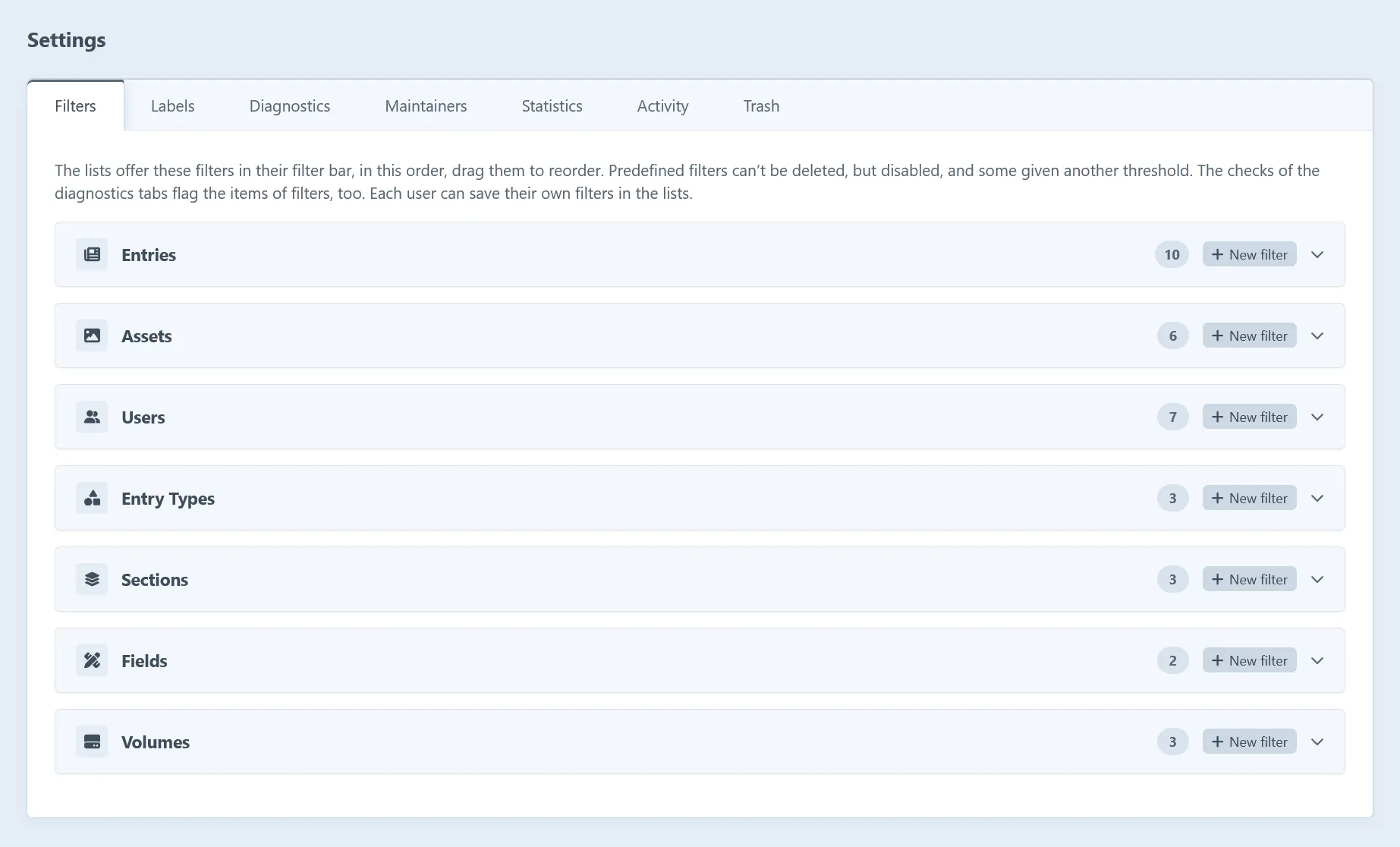
Admins change the settings on the tabs of Hub → Settings. Settings → Plugins → Hub leads there too. They’re read-only while admin changes aren’t allowed.
Or create config/hub.php, which takes precedence over the settings saved in the control panel:
return [ 'enableLabels' => true, 'snapshotInterval' => 1, 'activityRetentionDays' => 90,];Settings
Section titled “Settings”| Setting | Default | Description |
|---|---|---|
enableLabels |
true |
Whether items can be labeled and lists filtered by their labels. |
enableMaintainers |
false |
Whether sections, entry types, fields and volumes can have maintainers. |
enableDiagnostics |
true |
Whether the index and detail pages have a diagnostics tab. |
enableStatistics |
true |
Whether the index and detail pages have a statistics tab. |
enableSnapshots |
true |
Whether snapshots of the statistics are taken. |
snapshotInterval |
1 |
A snapshot is taken every this many days. |
snapshotRetentionDays |
730 |
Snapshots are kept for this many days. 0 keeps them forever. |
enableActivity |
true |
Whether what users do is recorded in the activity log. |
activityRetentionDays |
90 |
Activities are kept for this many days. 0 keeps them forever. |
activityDrafts |
false |
Whether drafts created and deleted are recorded too, rather than only once they’re applied. |
enableTrash |
true |
Whether the entries and assets pages have a trash tab. |
keepTrashedFiles |
false |
Whether the files of assets moved to the trash are kept, so the assets can be restored. |
Translations
Section titled “Translations”Hub comes in English (the default) and German, following the language of the user’s control panel.
To add a language:
- Copy
src/translations/en/hub.phptosrc/translations/<language>/hub.php. - Translate its values, keeping the keys and placeholders like
{name}and{count, plural, …}.
Tests fail for missing messages and changed placeholders. Messages Craft already has use its own app category, so they’re translated along with Craft.
Settings pages
Section titled “Settings pages”Hub → Settings has a tab per area. Most map to the settings above, and some manage the things behind them.
| Tab | What it holds |
|---|---|
| Filters | The predefined and custom saved filters of each list. |
| Labels | The labels, and whether they’re enabled. |
| Diagnostics | The default and custom checks, and whether diagnostics are enabled. |
| Maintainers | Whether maintainers are enabled. |
| Statistics | Statistics and snapshots: their switches, interval and retention. |
| Activity | The activity log: its switch, retention and whether drafts are recorded. |
| Trash | The trash tab and whether the files of trashed assets are kept. |